
 Image 1 of 1
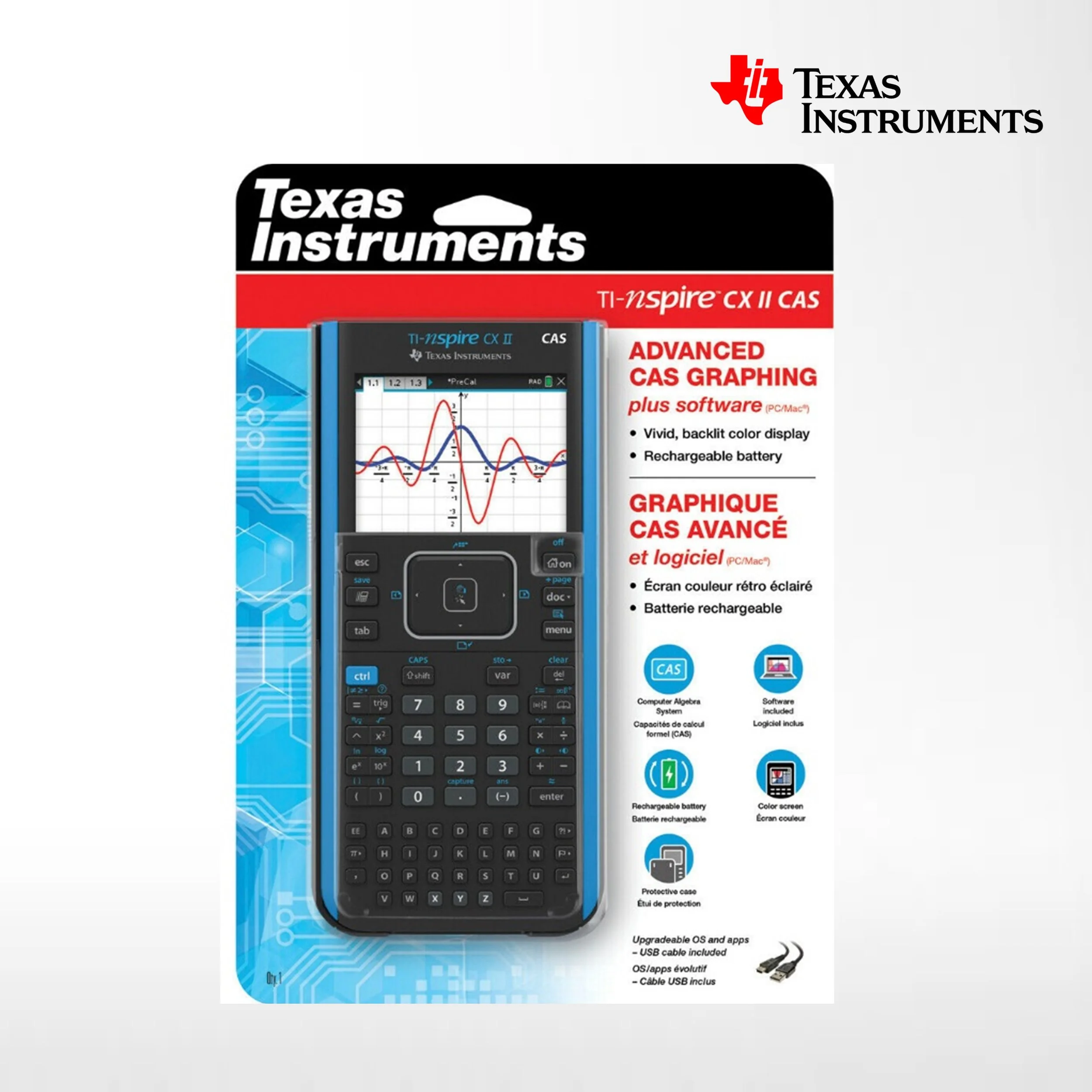
Texas Instruments TI-Nspire CX II CAS Color Graphing Calculator
The Texas Instruments TI-Nspire CX II CAS is a color graphing calculator designed for advanced math, science, and engineering coursework. It combines a powerful computer algebra system (CAS) with a bright color display, a document-based interface, and a suite of built-in applications for symbolic algebra, calculus, geometry, data analysis, and more.
Key features
CAS (Computer Algebra System): Symbolic manipulation of algebraic expressions, exact arithmetic, symbolic integration and differentiation, factorization, expansion, solving equations and systems symbolically.
Color display: 3.5-inch backlit, high-resolution color screen that renders graphs, plots, and geometric constructions clearly; supports color-coded traces and multiple plot styles.
Processor and memory: Faster processor than earlier TI-Nspire models for smoother navigation and quicker computations; typically includes several megabytes of RAM and flash storage for documents, apps, and user files.
Rechargeable battery: Built-in rechargeable lithium-ion battery with USB charging; longer battery life than many older graphing calculators.
Document-based interface: Work in documents containing pages; each page can hold different applications (Calculator, Graphs, Geometry, Data & Statistics, Notes, Lists & Spreadsheet, Vernier DataQuest), allowing mixed-format problems and saved workflows.
Dynamic linking: Variables and expressions stay linked across views—change an expression in the Calculator and corresponding graphs or lists update automatically.
Geometry and dynamic geometry tools: Construct and manipulate geometric figures dynamically with measurement and constraint tools.
Advanced graphing: 2D and parametric plots, polar and sequence graphs, 3D graphing (in later firmware or models/extensions), piecewise functions, inequality shading, and multiple simultaneous functions with color distinction.
Statistics and data analysis: Built-in statistics with hypothesis tests, regressions, distributions, confidence intervals, box plots, histograms, and spreadsheet integration.
Programming: Built-in scripting/programming (TI-Basic and Lua on supported firmware) for custom tools, functions, and teaching aids.
Connectivity: USB port for computer connection and file transfer, and compatibility with TI connectivity software for backups, updates, and classroom management. Can connect to other TI-Nspire calculators for file transfer and classroom activities.
Exam mode: A secure test mode that restricts functionality and clears stored data to comply with standardized testing requirements (mode availability depends on testing rules).
Preloaded apps: Calculator, Graphs, Geometry, Data & Statistics, Lists & Spreadsheet, Notes, Vernier DataQuest (for supported sensors), and other utility tools.
Use cases and audience
High school and college students taking algebra, precalculus, calculus, linear algebra, differential equations, statistics, and STEM courses.
Teachers and instructors who need a robust classroom tool for demonstrations, dynamic geometry, and linked representations.
Professionals or hobbyists who require symbolic algebra, numeric computation, and advanced plotting in a handheld device.
Advantages
Strong CAS capabilities in a handheld form factor, making symbolic work faster than non-CAS graphing calculators.
Color display and dynamic linking improve visualization and learning.
Document-based workflow helps organize problems, solutions, and notes.
Rechargeable battery reduces long-term cost and waste.
Limitations
CAS features make it restricted or banned on some standardized tests—check current exam policies before use.
Learning curve for the document-based interface and CAS commands compared with simpler graphing calculators.
Larger physical size and more complexity than basic scientific calculators.
3D graphing and some advanced features may require specific firmware versions or additional apps.
The TI-Nspire CX II CAS is a high-performance, feature-rich graphing calculator aimed at students and educators who need symbolic algebra, advanced plotting, dynamic geometry, and integrated data tools in a portable device. Its color display, document-based workflow, and CAS set it apart from simpler graphing calculators, but users should verify testing rules and be prepared for an initial learning curve.
The Texas Instruments TI-Nspire CX II CAS is a color graphing calculator designed for advanced math, science, and engineering coursework. It combines a powerful computer algebra system (CAS) with a bright color display, a document-based interface, and a suite of built-in applications for symbolic algebra, calculus, geometry, data analysis, and more.
Key features
CAS (Computer Algebra System): Symbolic manipulation of algebraic expressions, exact arithmetic, symbolic integration and differentiation, factorization, expansion, solving equations and systems symbolically.
Color display: 3.5-inch backlit, high-resolution color screen that renders graphs, plots, and geometric constructions clearly; supports color-coded traces and multiple plot styles.
Processor and memory: Faster processor than earlier TI-Nspire models for smoother navigation and quicker computations; typically includes several megabytes of RAM and flash storage for documents, apps, and user files.
Rechargeable battery: Built-in rechargeable lithium-ion battery with USB charging; longer battery life than many older graphing calculators.
Document-based interface: Work in documents containing pages; each page can hold different applications (Calculator, Graphs, Geometry, Data & Statistics, Notes, Lists & Spreadsheet, Vernier DataQuest), allowing mixed-format problems and saved workflows.
Dynamic linking: Variables and expressions stay linked across views—change an expression in the Calculator and corresponding graphs or lists update automatically.
Geometry and dynamic geometry tools: Construct and manipulate geometric figures dynamically with measurement and constraint tools.
Advanced graphing: 2D and parametric plots, polar and sequence graphs, 3D graphing (in later firmware or models/extensions), piecewise functions, inequality shading, and multiple simultaneous functions with color distinction.
Statistics and data analysis: Built-in statistics with hypothesis tests, regressions, distributions, confidence intervals, box plots, histograms, and spreadsheet integration.
Programming: Built-in scripting/programming (TI-Basic and Lua on supported firmware) for custom tools, functions, and teaching aids.
Connectivity: USB port for computer connection and file transfer, and compatibility with TI connectivity software for backups, updates, and classroom management. Can connect to other TI-Nspire calculators for file transfer and classroom activities.
Exam mode: A secure test mode that restricts functionality and clears stored data to comply with standardized testing requirements (mode availability depends on testing rules).
Preloaded apps: Calculator, Graphs, Geometry, Data & Statistics, Lists & Spreadsheet, Notes, Vernier DataQuest (for supported sensors), and other utility tools.
Use cases and audience
High school and college students taking algebra, precalculus, calculus, linear algebra, differential equations, statistics, and STEM courses.
Teachers and instructors who need a robust classroom tool for demonstrations, dynamic geometry, and linked representations.
Professionals or hobbyists who require symbolic algebra, numeric computation, and advanced plotting in a handheld device.
Advantages
Strong CAS capabilities in a handheld form factor, making symbolic work faster than non-CAS graphing calculators.
Color display and dynamic linking improve visualization and learning.
Document-based workflow helps organize problems, solutions, and notes.
Rechargeable battery reduces long-term cost and waste.
Limitations
CAS features make it restricted or banned on some standardized tests—check current exam policies before use.
Learning curve for the document-based interface and CAS commands compared with simpler graphing calculators.
Larger physical size and more complexity than basic scientific calculators.
3D graphing and some advanced features may require specific firmware versions or additional apps.
The TI-Nspire CX II CAS is a high-performance, feature-rich graphing calculator aimed at students and educators who need symbolic algebra, advanced plotting, dynamic geometry, and integrated data tools in a portable device. Its color display, document-based workflow, and CAS set it apart from simpler graphing calculators, but users should verify testing rules and be prepared for an initial learning curve.